
BrokerTools / White Label
White label for brokers
Launch new brands and sub-brokers in days.
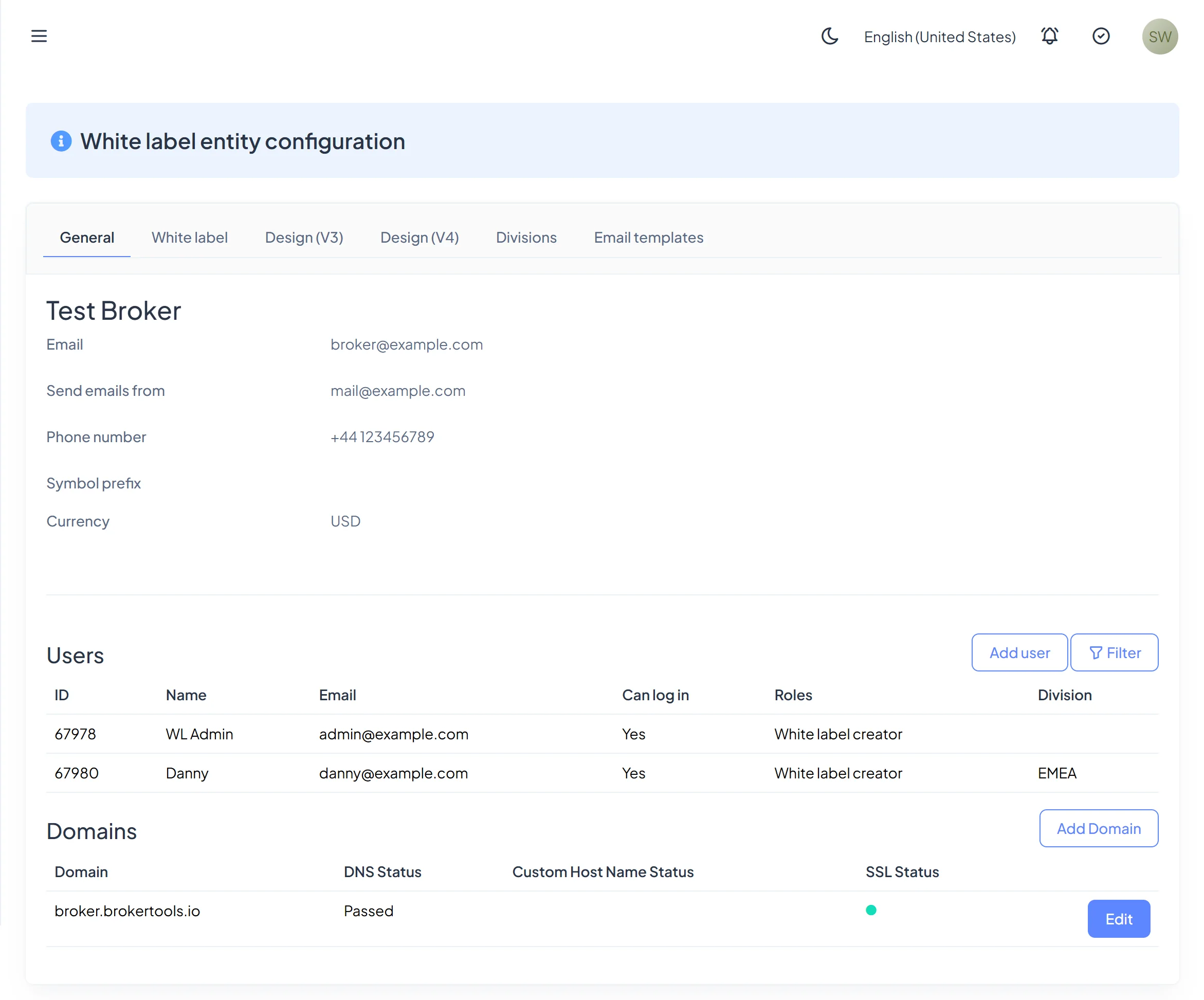
Create white labels with their own branding, settings and clients, while you keep control from one system.
What changes for your team
New markets faster
Spin up a brand for a new region without a new setup.
Central control
Manage every brand from one back office.
Separate data
Each white label sees only its own clients and accounts.
Lower cost
No extra infrastructure per brand.
White Label Creator
Set up a new brand with logo, colours, domain and languages.
Per-brand settings
Payment methods, account types and rules per white label.
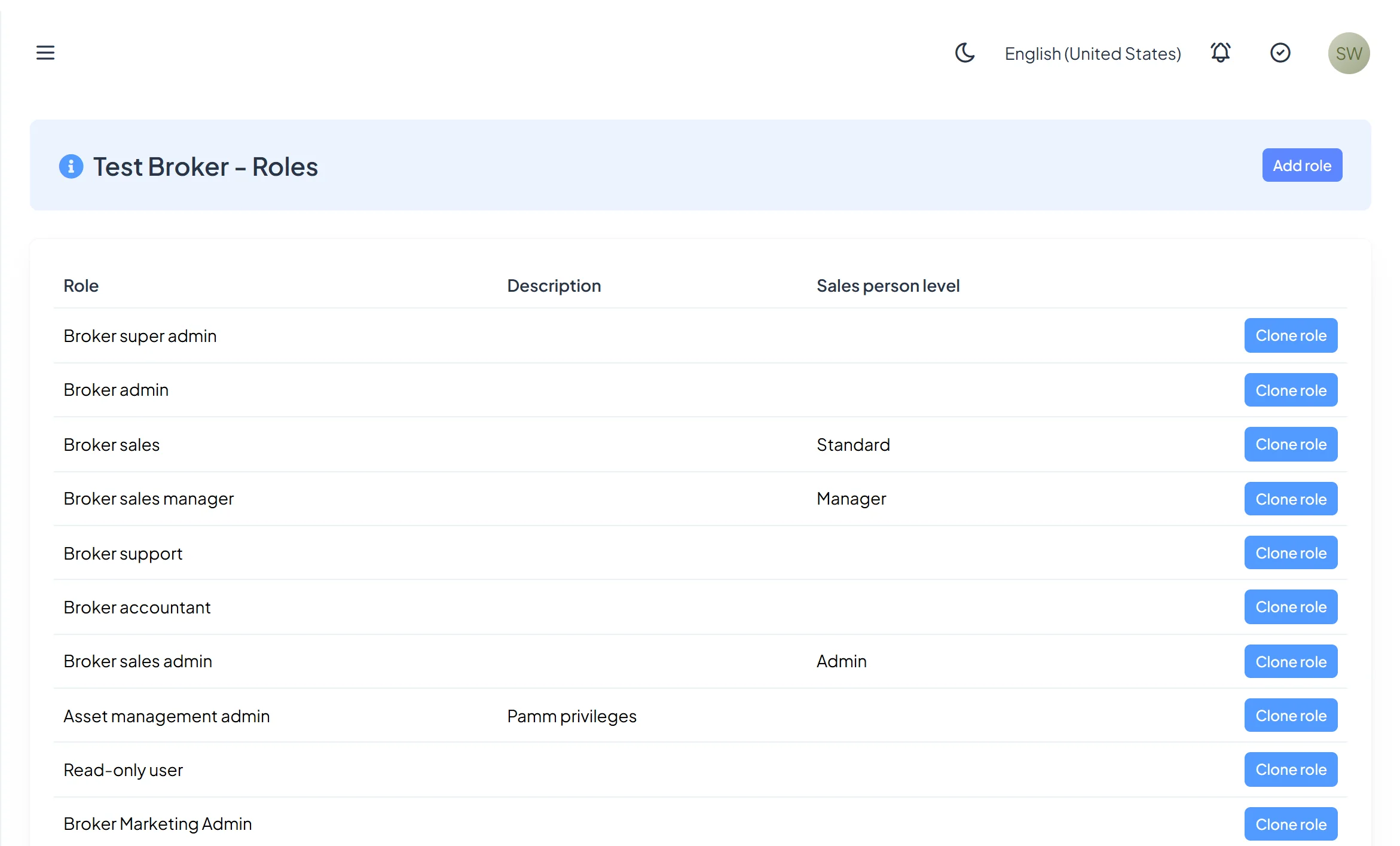
Access control
Roles and permissions scoped to each brand.
Consolidated reporting
Compare brands or report on each one separately.
Part of BrokerTools
Start with what you need today. Every module shares the same data, so nothing has to be re-integrated later.
Questions brokers ask
How long does a new white label take?
Basic setup is done in the White Label Creator; timing depends on domains and payments.
Can each brand have its own payment providers?
Yes, payment methods are configured per white label.
Is client data secure?
FTT is ISAE 3402 Type I audited, operates from the EU under GDPR, and stores files encrypted with a key unique to each broker.
Is client data separated?
Yes. Each white label only sees its own clients.
See White Label with your own workflow.
A personal demo with the team that builds it.